
Article · screens
How to Stop Checking Your Phone First Thing in the Morning
by Lily Montgomery · · 9 min read
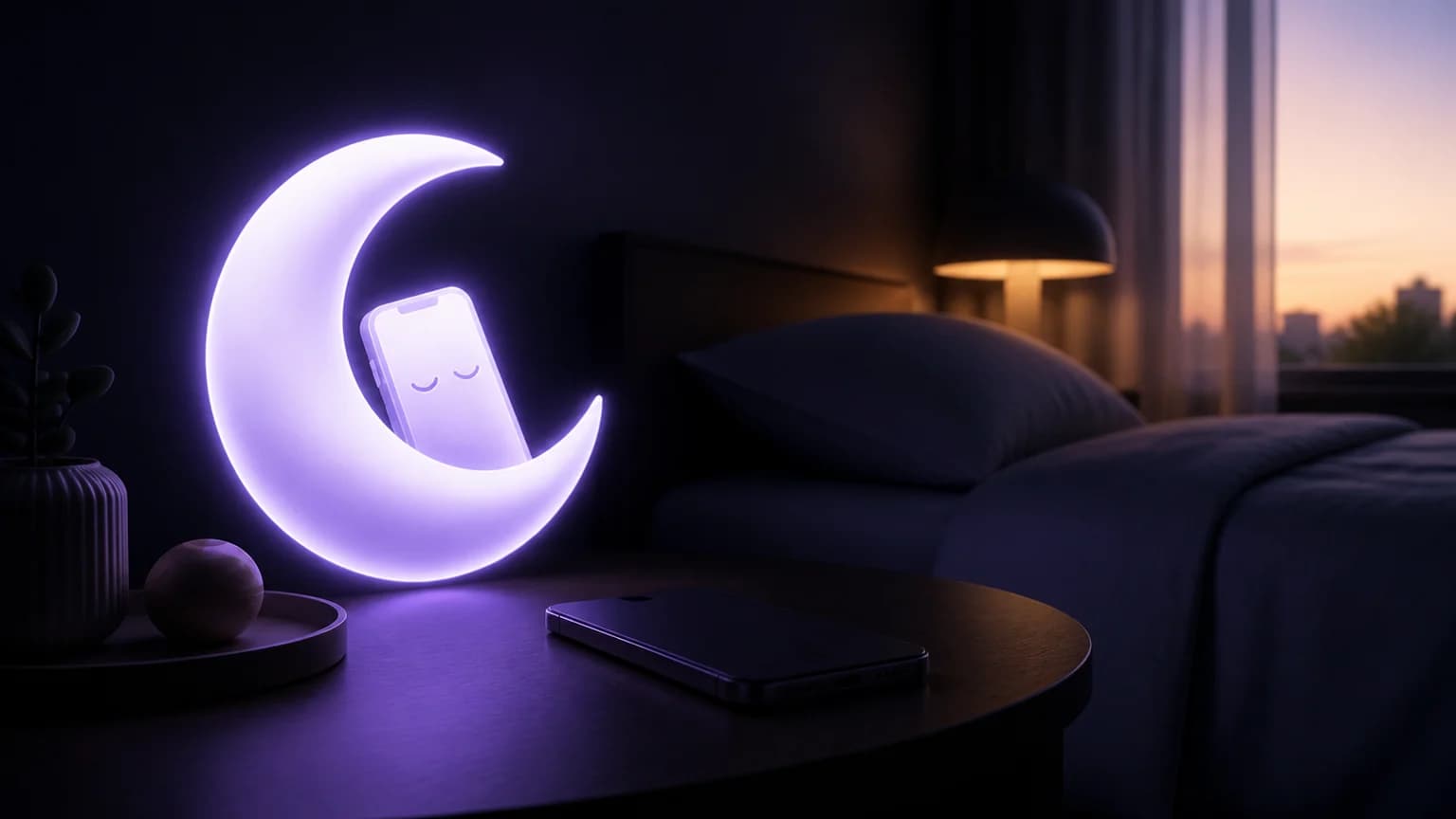
Nightstand: Quit Phone helps you stop checking your phone first thing in the morning by adding distance and friction between waking up and opening an app. You can also build a simple phone-free start without using any special tool.
Your first few minutes shape your attention. Try a small routine that gives you one clear action before you reach for a screen.
| Morning trigger | Better first move |
|---|---|
| Alarm ends | Stand up and open the curtains |
| You feel bored | Drink water or stretch |
| You want updates | Write down what you need to check later |
Four steps to change the habit
Move your phone away from the bed. Put it on a shelf, desk, or across the room before you sleep. You will need to stand up to reach it.
Choose a two-minute replacement. Keep water nearby, prepare clothes, or place a notebook beside your bed. Pick an action you can start without planning.
Delay checking by 10 minutes. Set a modest boundary instead of demanding a perfect morning. After 10 minutes, decide whether you still want to check your phone.
Reduce morning interruptions. Review your notification settings and keep only the alerts you genuinely want. Apple explains how to manage notifications in its iPhone user guide.
Two mistakes can make this harder. First, do not rely on willpower while keeping the phone within arm’s reach. Change the setup instead. Second, do not replace phone checking with an endless news loop on another device. The American Psychological Association offers practical context on news consumption and stress.
After you choose your routine, install Nightstand: Quit Phone and place your phone outside arm’s reach tonight. You can also use the screen-time calculator to estimate how much checking time you want to reclaim.
FAQs
Should I stop checking my phone completely?
No. Start with a short delay that feels realistic. You can adjust the window after you learn what works for you.
What if I need my phone for emergencies?
Keep essential calls available and review your notification settings. You can ask a trusted person to call if something urgent comes up.
Sources
Choose your app
Find the app for the habit you want to change.
Save your reason, choose your triggers, open SOS when you want to vape, and review the check-ins you record.